This handy guide covers everything you need to know about getting internet in your motorhome, including the equipment you’ll need, where to place it, and the impact it may have on your insurance policy.
In today’s world, staying connected while you’re on the road has never been more important. Whether you’re keeping in touch with family and friends, working remotely, streaming your favourite shows, or even just managing your route, having reliable internet access can be a game changer.
Here are a few quick links so you can skip to the parts you’re most interested in:

What are the different internet options for a motorhome?
When it comes to accessing the internet in your motorhome, you have several options. The one which will work best for you will depend on what you’ll be using it for, and your travel style.
Here are the main choices:
Mobile Hotspot
A mobile hotspot is a feature on your phone that lets you share your mobile internet connection with other devices, essentially turning your phone into a mini Wi-Fi router.
Your phone connects to the internet using mobile data (the same data you use for web browsing or apps) and then emits a Wi-Fi signal so your other devices, such as laptops and tablets can join. This means you don’t have to rely on Wi-Fi from campsites, cafés, or anywhere else – as long as you have signal.
When using your mobile hotspot, everything you do online goes through your mobile data allowance, so be sure to keep an eye on your usage to avoid running out of internet completely or incurring extra charges.
Tip: If you’re planning to travel abroad and use your mobile hotspot, check your roaming terms and data limits with your network provider beforehand. Many plans have different allowances when you’re outside the UK.
Pros:
- It’s portable and easy to take around with you.
- It’s usually very reliable and works pretty much anywhere – as long as you have good mobile signal.
- It’s easy to use and connect other devices.
Cons:
- Speeds can vary based on your network coverage. If you’re somewhere with weak signal, your internet connection may suffer.
- Many network plans come with data caps, so you might need to keep an eye on your usage. This can feel a bit restrictive, especially if you’re relying on the connection for extended periods of time.
Best for: Occasional travellers, light browsing
Coverage: Good where there is mobile signal
Setup Difficulty: Very easy

Wi-Fi Boosters
If you often find yourself pitching up at campsites or other areas with accessible Wi-Fi, a Wi-Fi booster (sometimes called an extender or repeater) could be the answer. This is a small, wireless internet device that increases the reach of an existing Wi-Fi network. It works by picking up a weak Wi-Fi signal from somewhere nearby and amplifying it, so you can enjoy a stronger, more reliable connection.
It does need to be close enough to the original router in order to extend the signal, and environmental factors such as physical barriers between it and the original router, or interference from other devices, can affect how well it works.
Range varies from one booster to another, so check the device’s stated coverage range before buying, to make sure it’s suitable for your needs.
Pros:
- These are affordable and easy to use.
- Ideal for campers who regularly stay near Wi-Fi enabled locations, like campsites or cafés.
Cons:
- They only work where Wi-Fi is already available.
- They’re not much help if you’re in the middle of nowhere.
Best for: Campsite users with nearby Wi-Fi
Coverage: Only near existing Wi-Fi
Setup Difficulty: Easy

Satellite Internet
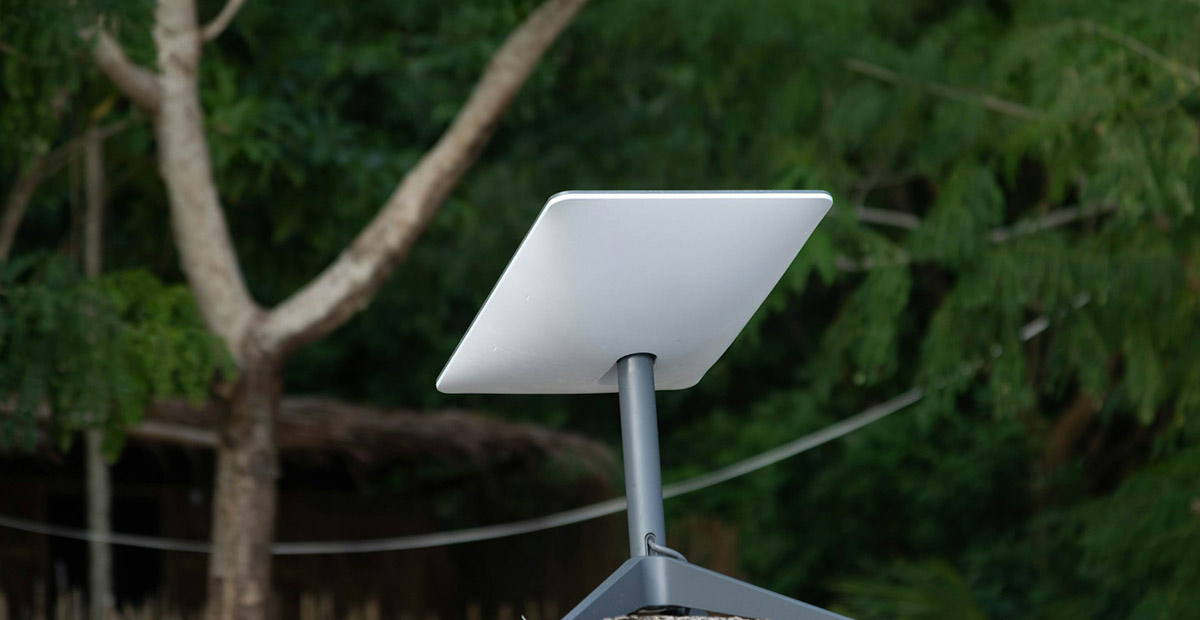
Heading off-grid and want to stay connected? Satellite internet might be just what you need. Unlike standard Wi-Fi or mobile data, satellite internet doesn’t rely on local signal towers. Instead, it sends data directly between your device and satellites orbiting the Earth.
This kind of technology is becoming more accessible and can work almost anywhere – so whether you’re parked up in the mountains, deep in the countryside, or by a remote beach, you can still get online.
Be warned, though – it’s not cheap to launch or maintain satellites, and this cost is reflected in the price of satellite internet devices!
Pros:
- It will work almost anywhere with a clear line-of-sight to the sky (heavy tree cover and steep valleys could disrupt it).
- It’s perfect for staying connected when you’re far away from civilisation.
Cons:
- It comes with a bigger price tag than other internet options.
- You may notice a slight delay (lag) compared to mobile data or campsite Wi-Fi; fine for streaming and browsing, but video calls or gaming can feel a bit less snappy.
- It requires specific hardware and can be a bit fiddly to set up.
Best for: Off-grid travellers and remote areas
Coverage: Almost anywhere
Setup Difficulty: Moderate
Built-In Motorhome Routers
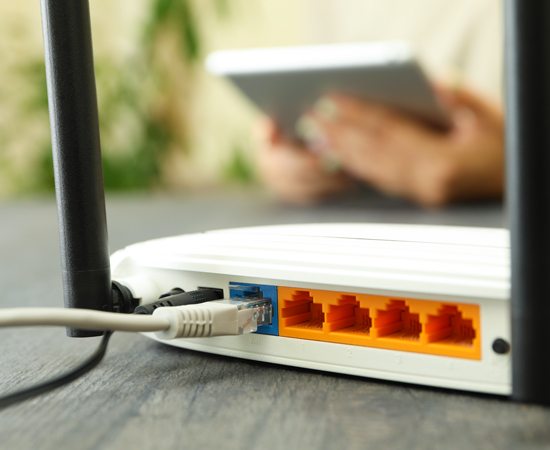
Built-in motorhome routers are a more permanent, hassle-free way to stay connected on the road. These systems typically connect to an external antenna mounted on the outside of your motorhome, providing a strong, stable signal.
This setup is also usually paired with a 4G or 5G SIM card, giving you a reliable connection on the go – great for working remotely or keeping the family entertained on rainy days.
Pros:
- Fast, reliable internet wherever there’s 4G or 5G coverage.
- Fully integrated solution, with no extra equipment cluttering up your space.
- Great if you travel regularly and want a setup that you can install and then forget about.
Cons:
- The initial hardware and installation will cost more than some other internet options.
- It might be a bit excessive if you only need the internet occasionally.
Best for: Frequent travellers and those working on the road
Coverage: Good where 4G or 5G exists
Setup Difficulty: Moderate – High (may require professional installation)

Where should I put the router in my motorhome?
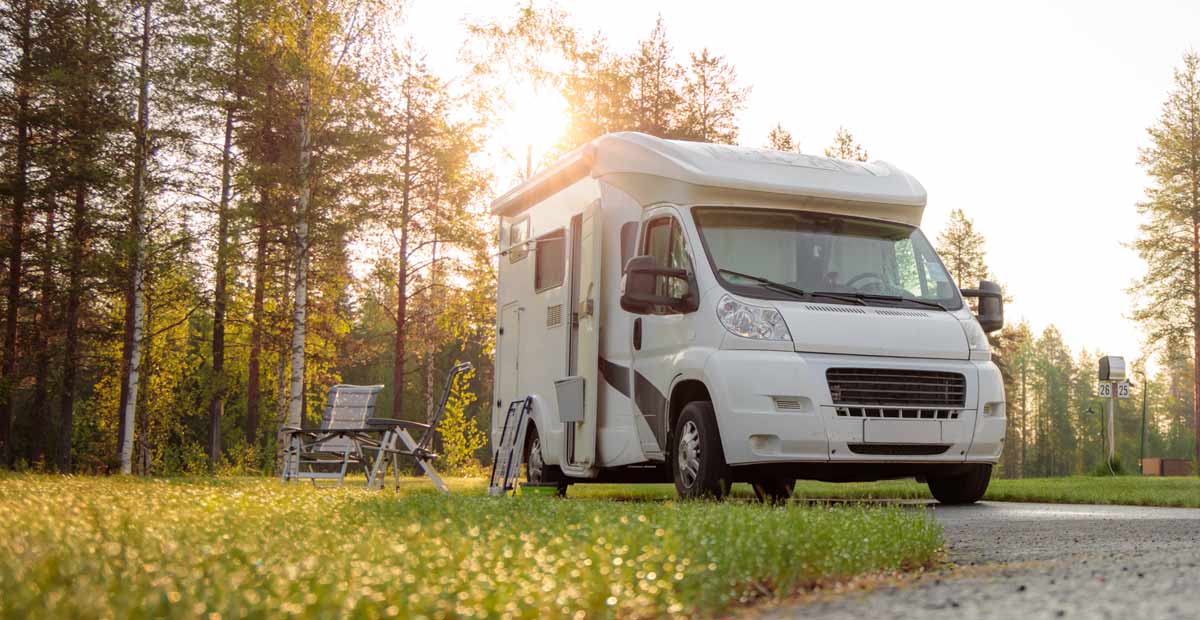
It’s important to consider where you’re going to put your Wi-Fi equipment to ensure that it’s providing you with the best signal possible. Placement can make a big difference to the strength and reliability of your connection, and so you might need to do a few tests before working out the best spot to tuck your router.
Here are a few key tips to help you get the most out of your setup:
Router Placement:
Try to keep your router somewhere central inside the motorhome, so the signal reaches all your devices evenly. Positioning it high up and away from metal appliances or other electronic devices can help reduce interference and signal disruptions, improving your online experience.
Antenna Placement:
If you’re using an external antenna, pop it on the roof for the best results. Just make sure it’s fitted securely, and the area is properly sealed so it can handle the bumpy roads and weather changes.
Avoid Obstructions:
Whether you’re connecting to campsite Wi-Fi or a mobile network tower, try to minimise obstructions between your device and the signal source, keeping the path as clear as possible. Big metal panels, thick walls, or even parked vehicles can weaken your connection.
Wiring it In
If you’re going for a built-in router or external antenna, there’s a little bit of wiring involved. Here’s a brief overview:
Power Supply:
Most motorhome routers need a 12V power supply, usually taken straight from your motorhome’s battery. For safety, always use a fused connection, which will protect both you and your equipment in case of any electrical hiccups.
Cable Routing:
Think about where your cables will run. You’ll want to route them neatly through your motorhome, avoiding any sharp edges or moving parts that could pinch or damage them. Tucking them out of the way also keeps your motorhome tidy and free from trip hazards. So, a little extra planning in advance will give you a cleaner finish and fewer problems down the line.
Professional Installation:
If you don’t feel confident dealing with electrics, or don’t have much experience, it might be worth getting a professional to handle the installation. They’ll make sure everything’s fitted safely and efficiently, with antennas and cables positioned for the best possible signal.
Insurance Implications
Adding Wi-Fi equipment to your motorhome – whatever it may be – can sometimes affect your insurance. Here are a few things to keep in mind:
Equipment Coverage
Ask your insurer whether your Wi-Fi equipment is covered under your current policy. Many providers will view this as a modification, which may affect your premium or the level of cover they provide.
Here at Just Kampers Insurance, we cover a huge range of modifications alongside our specialist motorhome insurance. Give us a call today on 01256 44 45 46 to find out more.
Security Considerations
Routers, antennas, and satellite dishes can sometimes attract unwanted attention. It’s a good idea to make sure your insurance policy includes adequate cover for theft and accidental damage, so you’re covered if anything happens.
Motorhomes can often be a tempting target for thieves, so it’s worth taking extra steps to keep your home on wheels and your belongings safe. Check out our helpful guide to discover how to protect your motorhome with effective security upgrades.
Informing Your Insurer
Any time you add new kit to your motorhome (Wi-Fi included), it’s important to let your insurance provider know. Failing to declare changes and modifications could invalidate your policy, which is the last thing you want if you need to make a claim.
We’ve been providing specialist campervan and motorhome insurance since 1998, so our experts truly understand the unique requirements of these delightful vehicles.
Get an online quote and see how much you could save today!
Summary
Getting reliable Wi-Fi in your motorhome can completely transform your adventures – whether you’re a full-time digital nomad, heading off on family holidays, or just enjoying the occasional weekend escape.
By exploring the different options, from mobile hotspots and Wi-Fi boosters to satellite systems or built-in routers, you can find the setup that best suits your needs.
Here’s a quick checklist to guide you:
- Decide where you’ll travel most. Will you be staying in towns, or heading to more remote areas off-grid?
- Choose the option that feels like it is most appropriate for your usage and lifestyle.
- Consider the installation. Do you need a professional to set up the equipment? Where will it go in your motorhome?
- Let your insurance provider know about the new equipment and any modifications to ensure everything’s covered under your policy.
Want affordable motorhome insurance from a trusted provider? We’ve got you covered!
Get a quick online quote or call our friendly team on 01256 44 45 46.